
See what your customer sees. Help right away.
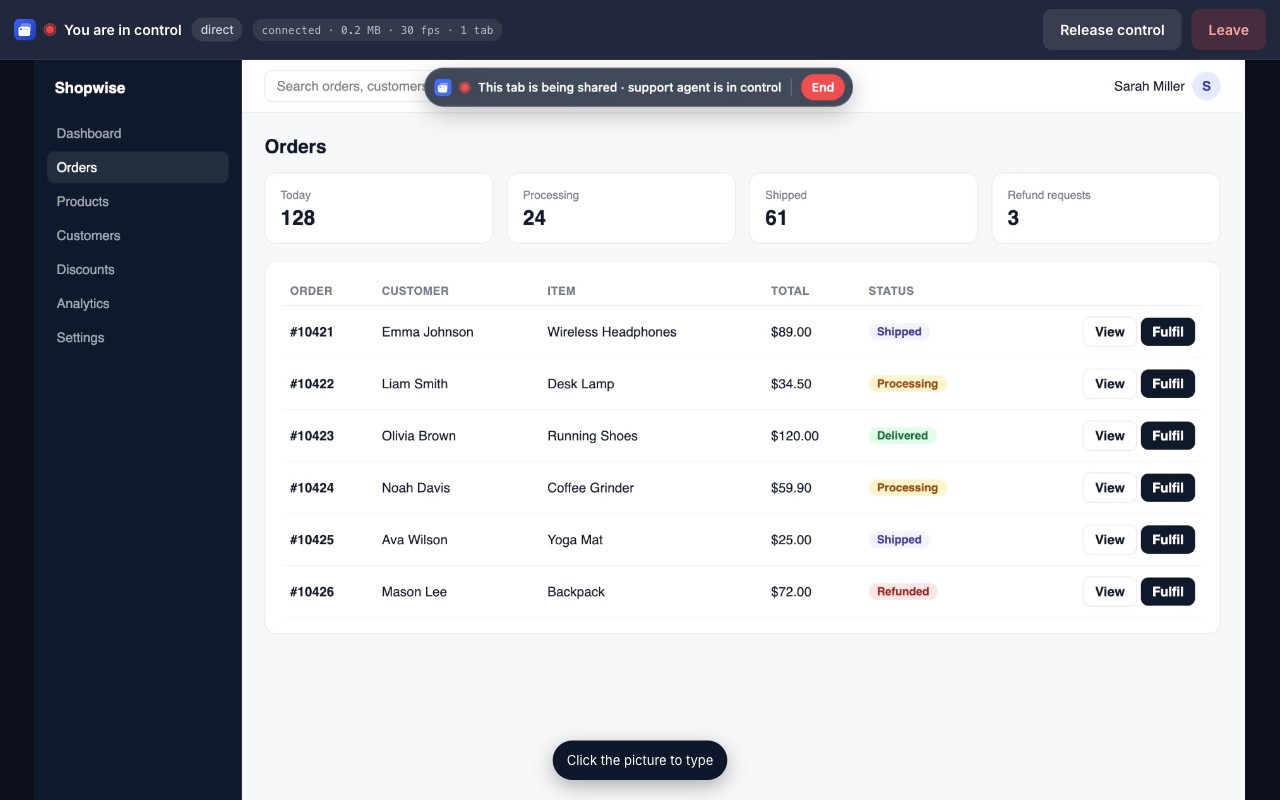
Your agents install nothing. With the 6-digit code your customer reads out, they see the single tab the customer chose, in the browser, and guide them with approval.
No credit card · 30 free sessions per user per month
For your team
Nothing to install for agents
The dashboard and connection run entirely in the browser. Invite a new agent and they are ready in minutes.
Team dashboard
Session history, members, usage and billing in one place. See each agent's sessions this month.
Customer trust
The customer shares only the tab they choose. Control needs explicit approval and nothing is recorded.
How it works with your team
Create a free account and invite your team.
Send your customer the ready-made message from the dashboard; they read you the code.
Enter the code in the dashboard, see the tab, guide them with approval if needed.
A free Chrome extension for your customer: no account, shares only the tab they choose.
Simple pricing
Frequently asked questions
Can the other person see my other tabs or my desktop?
No. Only the single tab you selected is shared. Other tabs, the address bar, notifications and your desktop are never visible.
Is the screen recorded or stored?
No. Video travels directly between the two browsers with WebRTC encryption. ShowMyTab servers only exchange the pairing code and connection signals.
How does remote control work?
The person connecting asks for control and you approve with one click. A red indicator stays visible, and you can end control or the whole session at any time.
What does it cost?
30 sessions per user per month are free, no credit card. The Pro plan raises the limit for a small yearly fee per user.