
Show someone one tab. Not your whole screen.
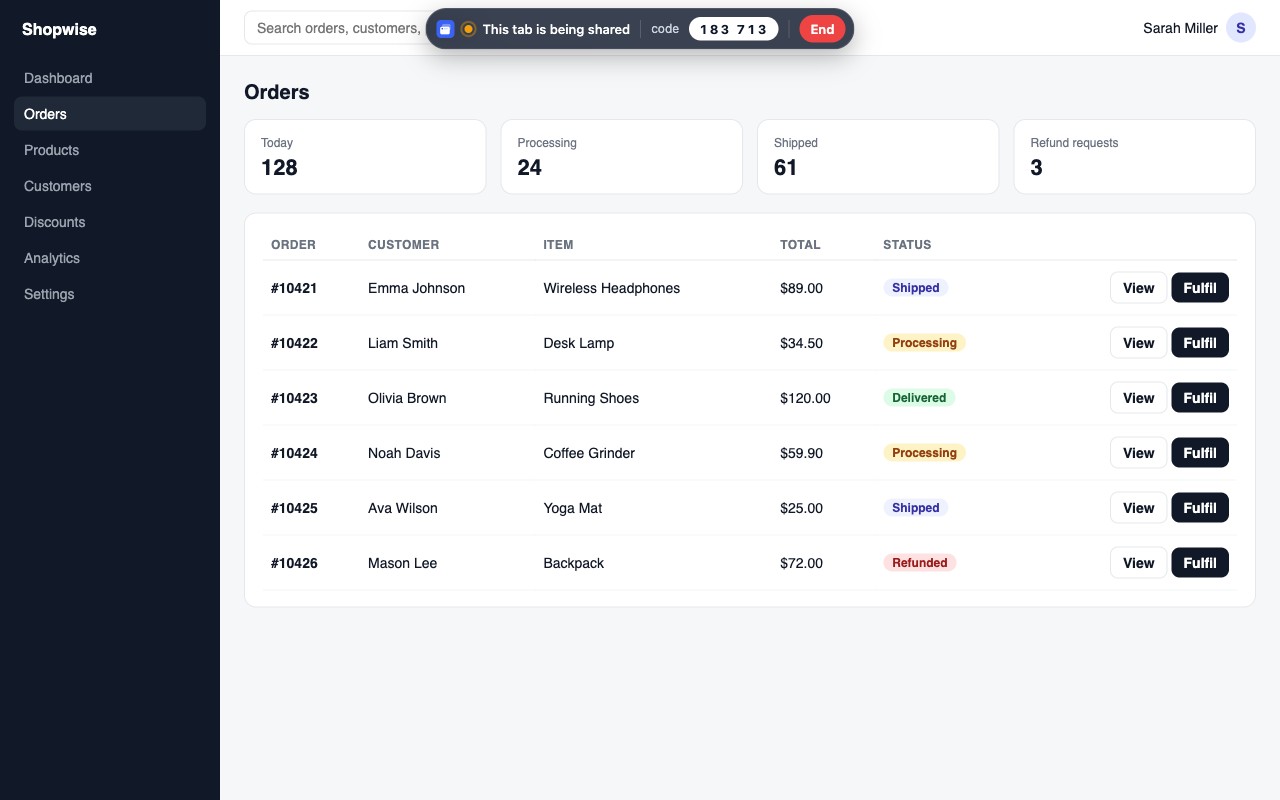
Pick a tab, read the 6-digit code. The other person sees that tab in their own browser and can help you, with your approval.
Free · Chrome Web Store · No credit card required
How it works
Open the extension on the tab you want to show and start sharing.
Read the 6-digit code to the other person. They enter it on showmytab.com.
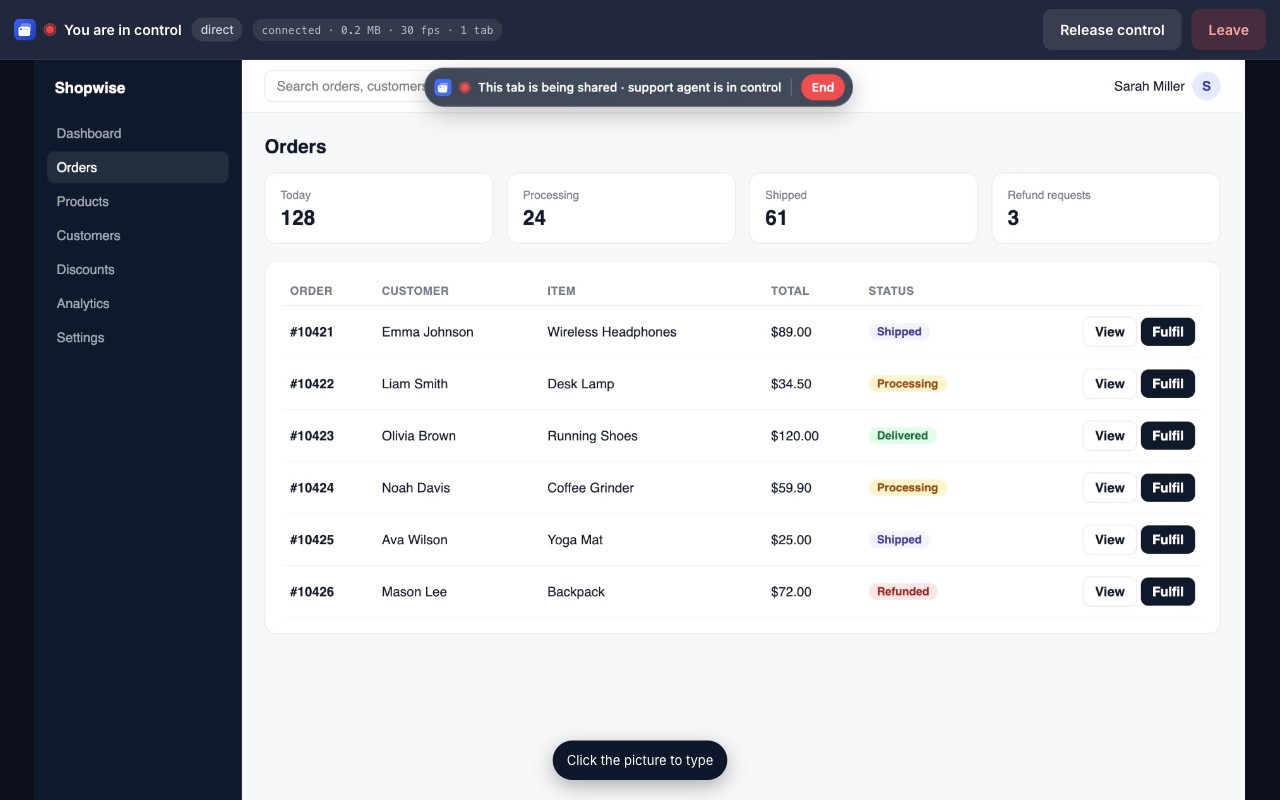
If they need to click or type, they ask for control and you approve with one click.
Who is it for
Customer support teams
See exactly what the customer sees in their panel or shop, fix it with their approval, no installer and no desktop sharing.
SaaS and e-commerce teams
Show a customer a setting in their own dashboard or fill in a form together, without exposing the rest of their screen.
Colleagues and onboarding
Show a tool in your browser, hand over control for a minute, take it back with one click.
Built for trust
Video never touches our servers
The picture goes peer-to-peer with WebRTC encryption. We only relay the 6-digit code.
Only the selected tab
Other tabs, the address bar and the desktop stay private.
Consent on every step
Control needs explicit approval and shows a visible banner. You can end control or the whole session at any time.
What you get
6-digit code, no accounts
One person reads a code, the other types it. That is the whole setup.
Tab-only sharing
Share one tab, add more when needed. Nothing else leaves the browser.
Approved remote control
Click and type in the shared tab only after its owner approves, with a visible indicator.
Fast and direct
Peer-to-peer WebRTC: first picture in about a second, low-latency input.
Teams welcome
For support teams: session history, members, usage and billing in one place.
17 languages
The extension and the panel speak your customer's language.
Simple pricing
Frequently asked questions
Do I need an account?
No. Sharing a tab never needs an account. Connecting with a code works without an account for 30 sessions a month; an account is only for teams and the Pro plan.
Can the other person see my other tabs or my desktop?
No. Only the single tab you selected is shared. Other tabs, the address bar, notifications and your desktop are never visible.
Is the screen recorded or stored?
No. Video travels directly between the two browsers with WebRTC encryption. ShowMyTab servers only exchange the pairing code and connection signals.
How does remote control work?
The person connecting asks for control and you approve with one click. A red indicator stays visible, and you can end control or the whole session at any time.
What does it cost?
30 sessions per user per month are free, no credit card. The Pro plan raises the limit for a small yearly fee per user.
Which browsers are supported?
The sharing side needs Google Chrome or another Chromium browser such as Edge or Brave, with the extension installed. The agent side works in any modern browser with nothing to install.